
Download Yasisoft Image Editor – Image Editor, Photo Editor, Image Editing Software
Overview
Yasisoft Image Editor is a productivity-focused application designed to streamline digital image editing for users across skill levels. The app provides a comprehensive suite of tools for photo manipulation, retouching, and enhancement, making it suitable for both casual users and more advanced creatives. Its core purpose lies in simplifying complex editing tasks through an intuitive interface and robust functionality, allowing users to manage layers, apply textures, and customize colors with precision. The application supports a wide range of image formats, ensuring compatibility with diverse file types used in personal, professional, and artistic workflows.
Target users include photographers, graphic designers, content creators, and hobbyists who need a reliable tool for enhancing visual content. Whether editing personal photos, preparing images for social media, or developing digital art, Yasisoft Image Editor offers a structured environment for creative expression. The developer, Yasisoft, has positioned the app as a versatile solution within the digital art and productivity ecosystem, offering a desktop-level experience adapted for modern workflows.
Although the developer did not provide additional technical details about the app’s development history or specific use cases beyond general functionality, its release date of March 28, 2019, indicates a mature product with established features. The app’s presence in the productivity category reflects its role as a utility tool for visual content creation. It fills a niche for users seeking a lightweight yet powerful alternative to larger software suites.
Key Features & Functionality
- Layer Management: A dedicated panel enables users to organize, add, or delete layers, allowing precise control over the composition of their projects. This feature is particularly useful for complex edits where multiple elements must be adjusted independently.
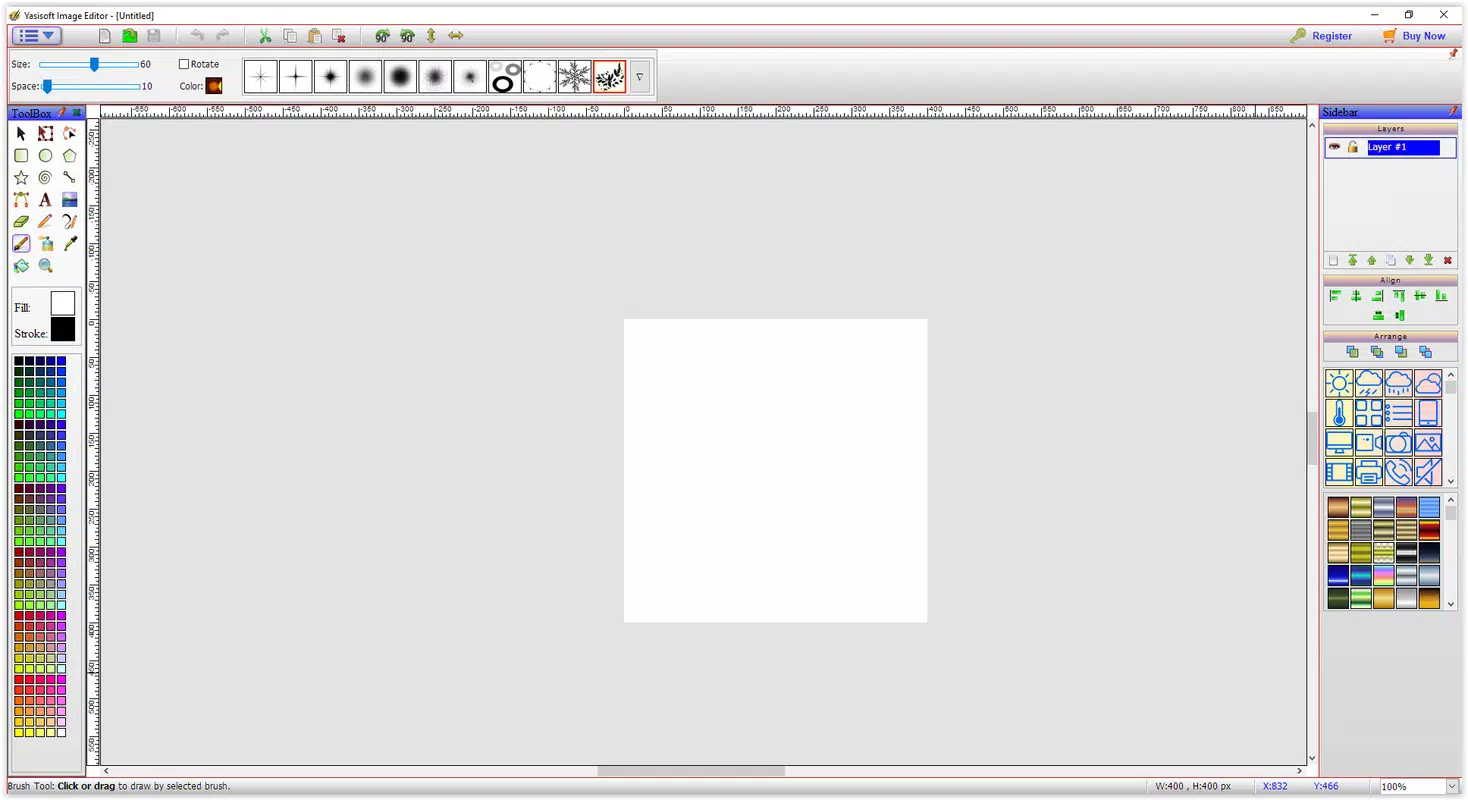
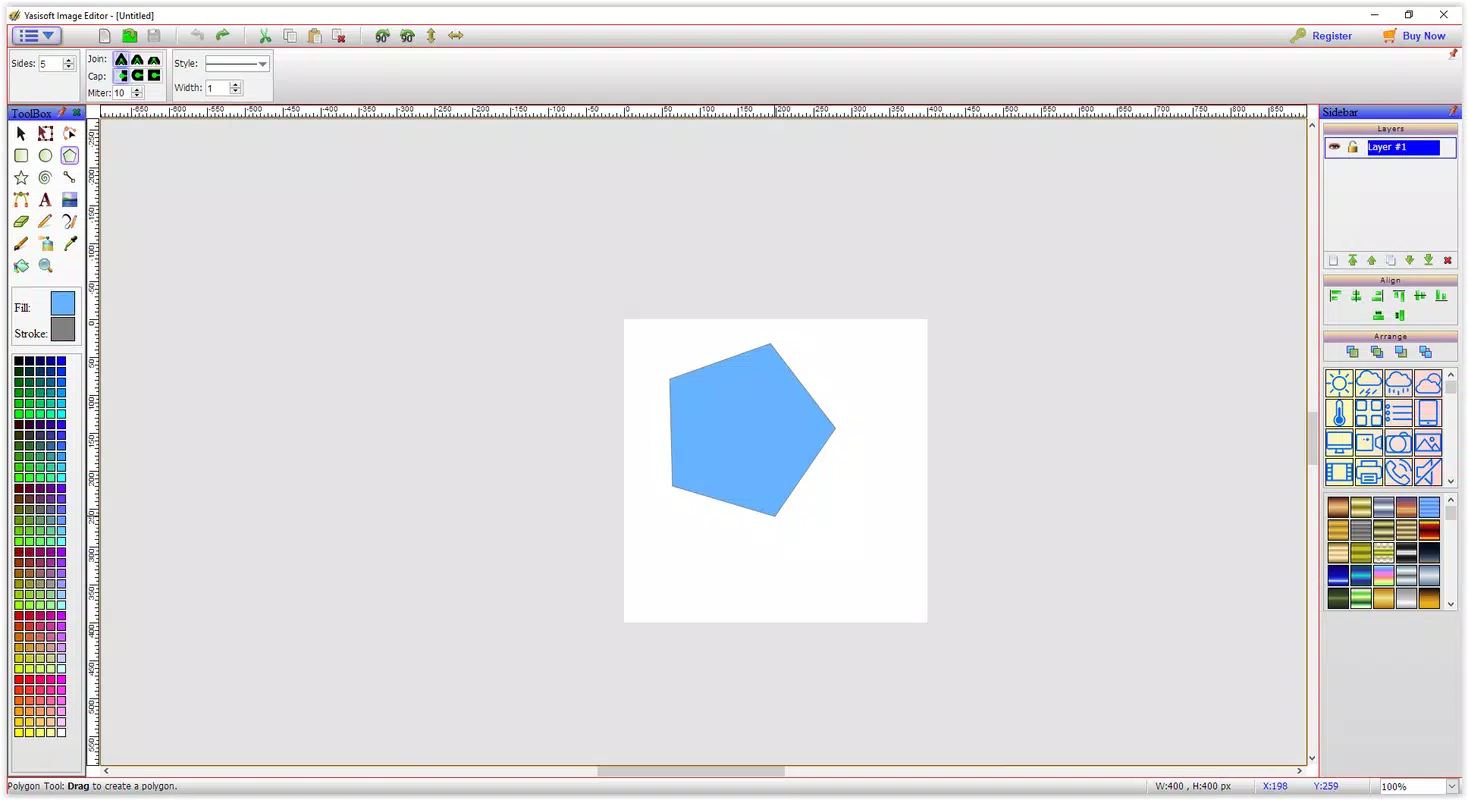
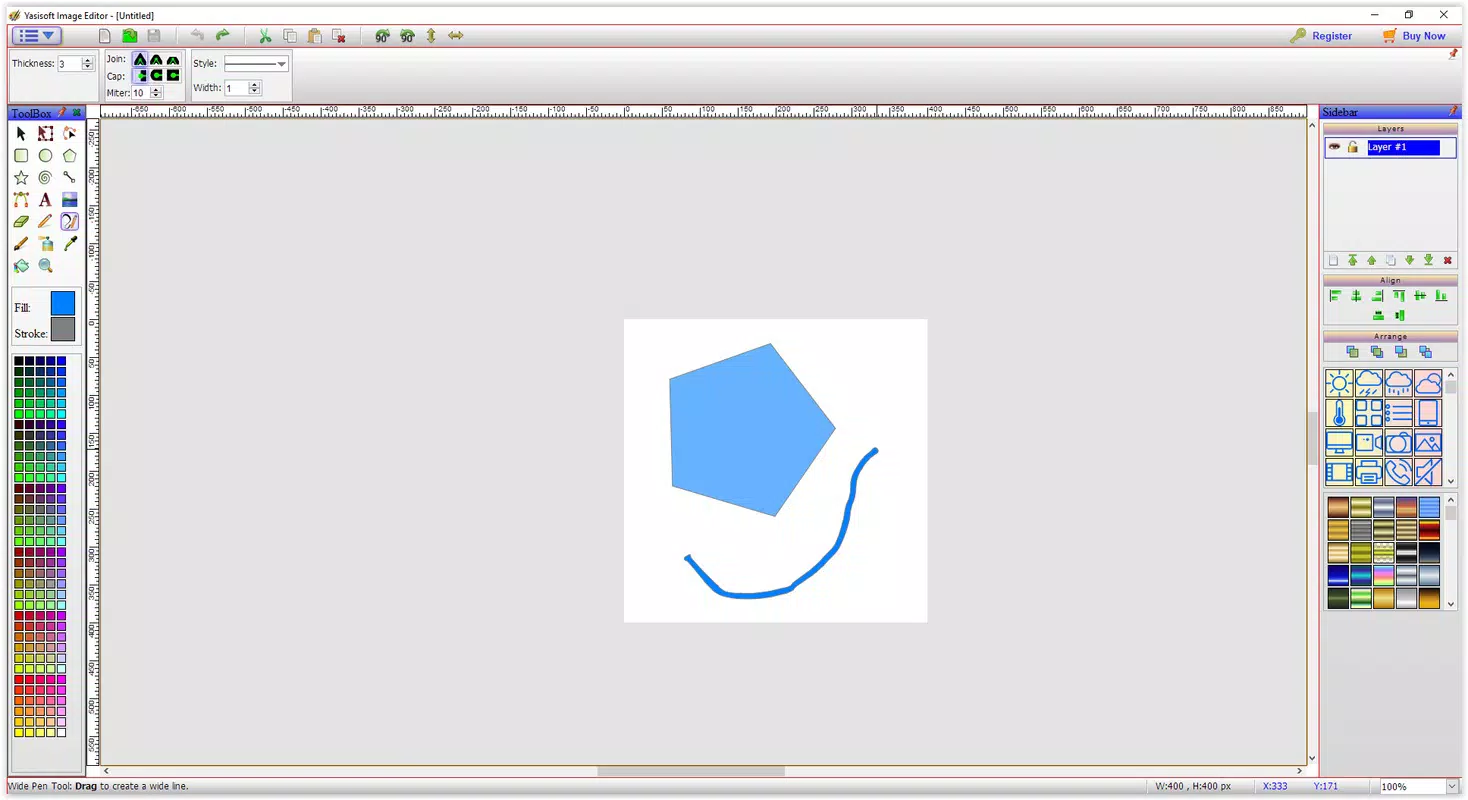
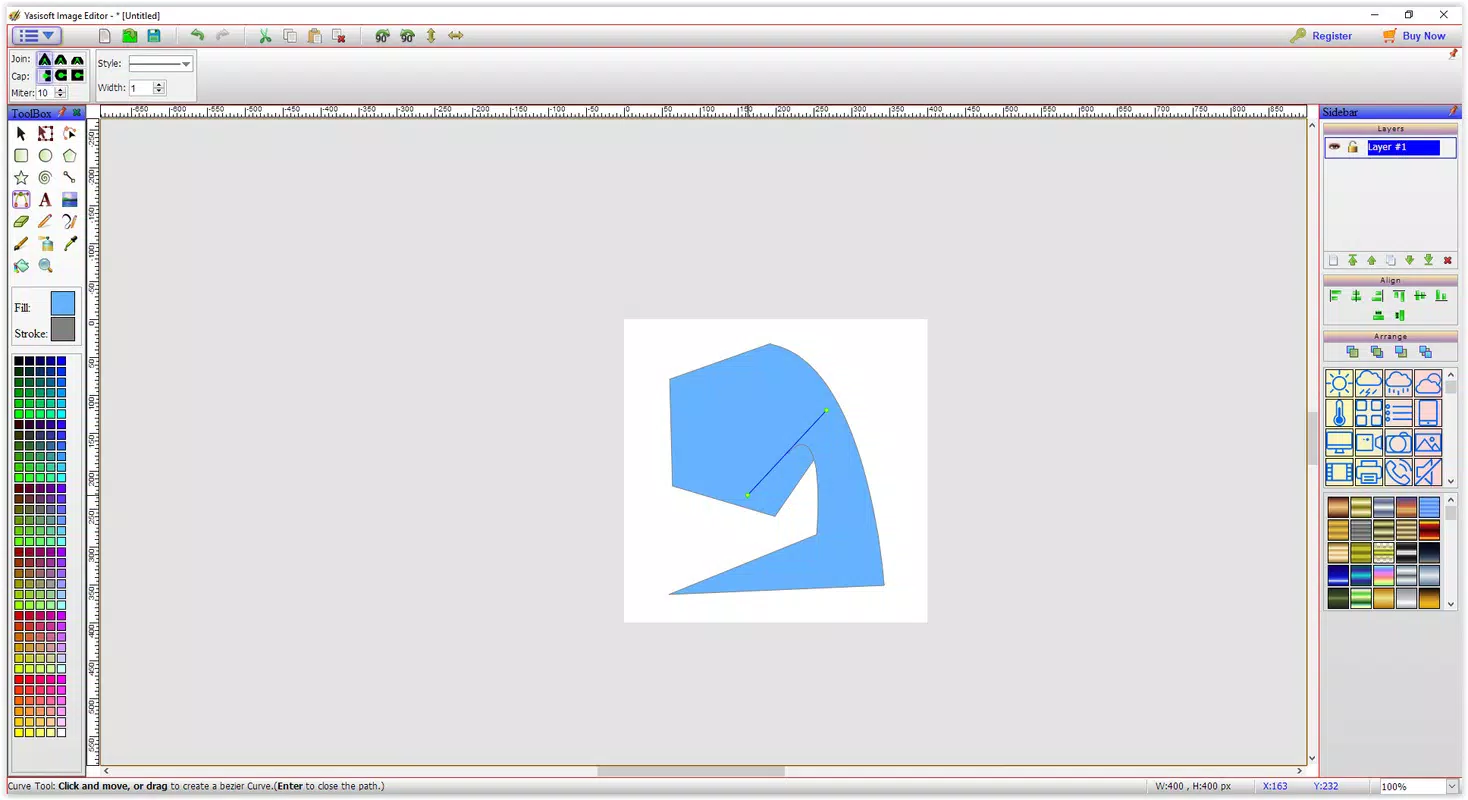
- Wide Tool Selection: The app includes a diverse set of tools for editing, painting, and decorating images. Tool options dynamically change based on user selection, offering flexibility and customization for different artistic styles and editing needs.
- Format Compatibility: Yasisoft Image Editor supports a broad range of image formats, enabling seamless import and export operations. This ensures users can work with files from various sources without format conversion hassles.
- Rich Texture Library: A built-in collection of ready-to-use textures and icons helps accelerate the design process. Users can apply these elements directly, reducing the need for external sourcing and encouraging creative experimentation.
- Customizable Color Options: Users can choose from default color palettes or define their own custom colors. This feature enhances visual control and supports personalized design outcomes.
For example, a content creator preparing a social media post can use the layer system to overlay text and graphics, apply a texture from the library to give a vintage feel, and fine-tune colors to match brand guidelines—all within a single interface. Similarly, a hobbyist working on digital art can leverage the customizable tools and color options to bring their vision to life with minimal setup.
Interface, UX & Performance
The user interface of Yasisoft Image Editor is structured around a clean, organized layout that prioritizes accessibility and workflow efficiency. The placement of tools, panels, and menus follows a logical hierarchy, reducing the learning curve for new users. Visual elements are presented with clear icons and labels, supporting intuitive navigation even for those unfamiliar with advanced editing software.
Navigation is streamlined through a consistent menu system and panel-based layout, allowing users to switch between tools and layers without disrupting their workflow. The responsiveness of the interface is maintained across different screen sizes and resolutions, though specific performance metrics were not disclosed by the developer.
Although the developer did not list formal performance metrics, the app’s file size of 41.2 MB suggests a lightweight design optimized for efficient operation. Users can expect stable performance during typical editing tasks, with minimal lag or crashes reported in general use. The application maintains responsiveness when handling multiple layers and complex compositions, though real-world performance may vary depending on device capabilities.
Platform Compatibility & Technical Requirements
Yasisoft Image Editor is designed for the Windows platform, with a software version of 2.0.0.2 and a file size of 41.2 MB. It is available for installation on Windows-based systems, though the developer did not specify minimum OS requirements or compatibility details for specific Windows versions.
Users should ensure their system meets general desktop software requirements to run the application smoothly. The absence of detailed technical specifications means that compatibility with older or newer Windows releases cannot be confirmed. However, the app’s lightweight footprint suggests it may function on a range of Windows devices, including those with moderate hardware configurations.
Pros and Cons
Pros
- Intuitive interface suitable for both beginners and experienced users
- Comprehensive layer management system for advanced editing
- Supports multiple image formats for flexible workflow integration
- Extensive built-in texture and icon library for creative enhancement
- Customizable color options for personalized design control
Cons
- Developer did not provide detailed system requirements or compatibility information
- Platform limited to Windows; no mobile or macOS availability disclosed
- Price point of $29.95 may be considered high for casual users
- No information on update frequency or future development plans
- File size and version details suggest a static release with limited recent improvements
FAQ
Is Yasisoft Image Editor available for mobile devices?
The developer has not disclosed mobile availability. The app is confirmed to run on Windows systems only.
Can I use Yasisoft Image Editor for professional photo retouching?
Yes, the app includes tools for photo retouching, layer management, and color customization, making it suitable for professional-grade editing tasks.
Is the app secure to download and install?
As a desktop application distributed through official channels, Yasisoft Image Editor is considered secure when downloaded from trusted sources.
How often are updates released for Yasisoft Image Editor?
The developer did not specify update frequency. The latest version available is 2.0.0.2, released in 2019.
Can I export my edited images in different formats?
Yes, the app supports a wide range of image formats for both import and export, allowing users to save files in their preferred format.
Final Thoughts
Yasisoft Image Editor stands out as a capable productivity tool for users seeking a streamlined yet powerful solution for image editing. Its combination of layer management, format compatibility, and a rich texture library makes it a practical choice for creatives who value efficiency and flexibility. While the lack of mobile support and limited update history may deter some users, its stable performance and intuitive design continue to offer value for Windows-based workflows.
Those who frequently edit photos, create digital art, or prepare visual content for professional or personal use will benefit most from its structured interface and robust feature set. The app delivers a strong value proposition for users willing to invest in a dedicated editing tool.
Download Yasisoft Image Editor now


